
Menu
On the left side you will find the menu, with which you can interact.
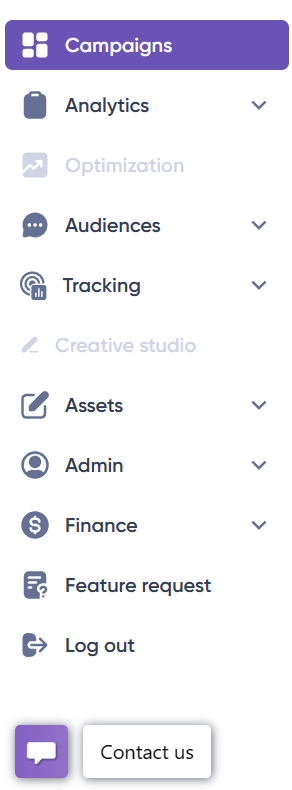
Campaigns
This is the man page where you can view and manage the campaigns created.
Analytics
The real-time access to query available inventory numbers and averages price floors. Also, you can find the reporting system, where you can check and analyze the delivery of the campaigns in an instant.
Optimization
A tool that helps us to optimize campaigns or/and lines quickly.
Audiences
You can handle any type of audience you require:
– Activity Audiences
– First Party Audiences
– Third Party Audiences
– ABM Audiences
Tracking
This is where you can set up and manage tracking for your campaigns. This includes tracking various metrics like impressions, clicks, conversions, and more.
Assets
The Assets is dedicated to prepare and upload the material before creating any campaign with your strategies.
Finance
Here you can easily add the funds to your account. Manage your billing information. And also, you can have all your invoices at hand.
Feature request
If you have a recommendation or a feature on the platform that you think would be useful, you can fill the form and send it to us.
Log out
You can quickly log out both from the ‘Menu’ and/or from the user profile.
Contact Us
This button provides a quick way to communicate with the team. In rare instances when some team members are not online, your account manager will receive the email with the details and respond at the earliest opportunity.


