
Inventories

In ‘Inventory lists’ we can create two types of lists:
- Bundle/Domains
Bundle or Domain refers to the website or app where an ad is being displayed. It’s the digital property on which the ad appears. - Inventories
Inventory ID is a specific code or identifier assigned to an individual ad placement within a website or app.
To create the list, select the account and what type of list you need. Once in the segment, click the ‘Add bundles/domains’ or ‘Add Inventories’ button to add the data. A pop-up window will open where you can add in two ways:
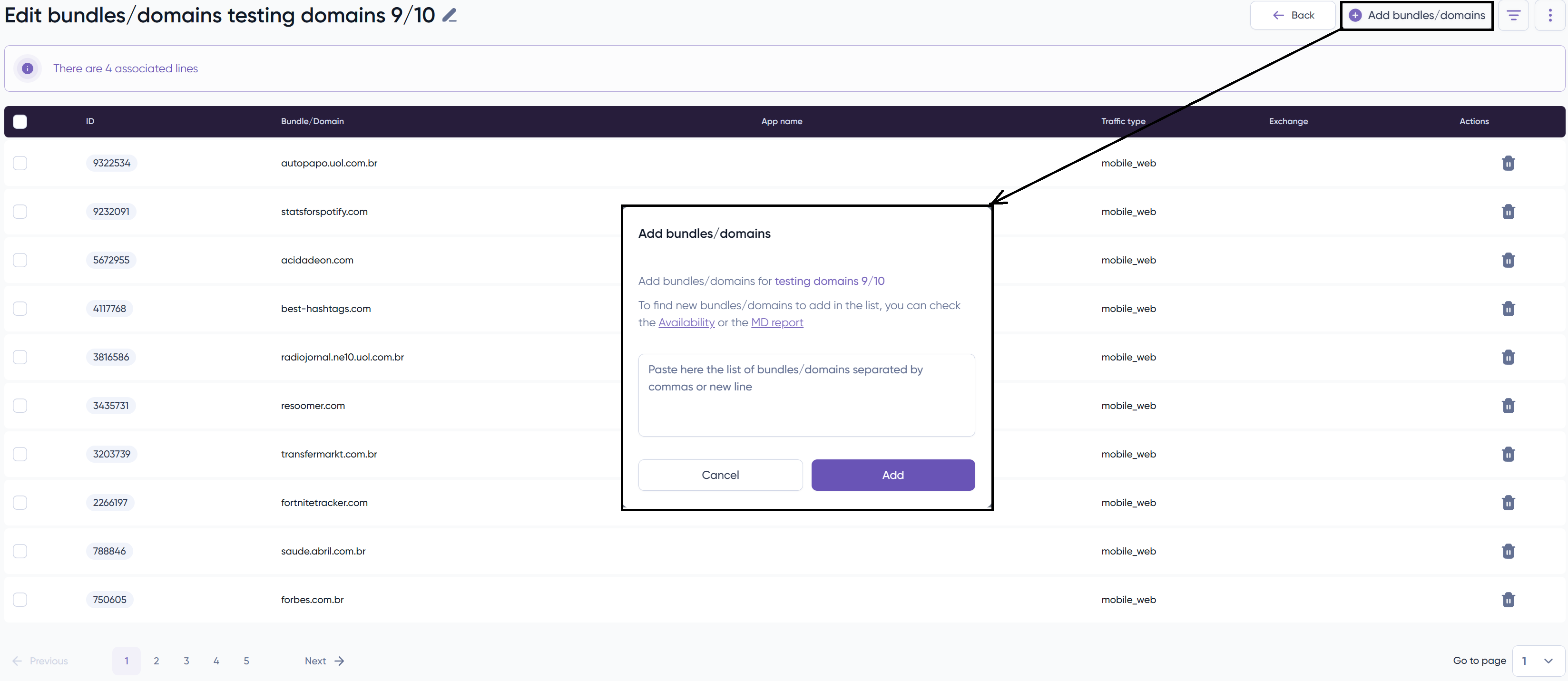
Manually adding it in the first section or you can upload a list in CSV format.


