
A/B Test
This feature will enable to set up two (or more) lines to compete between each other in equal possibilities. The line eligible for the test will be decided right before any filter.
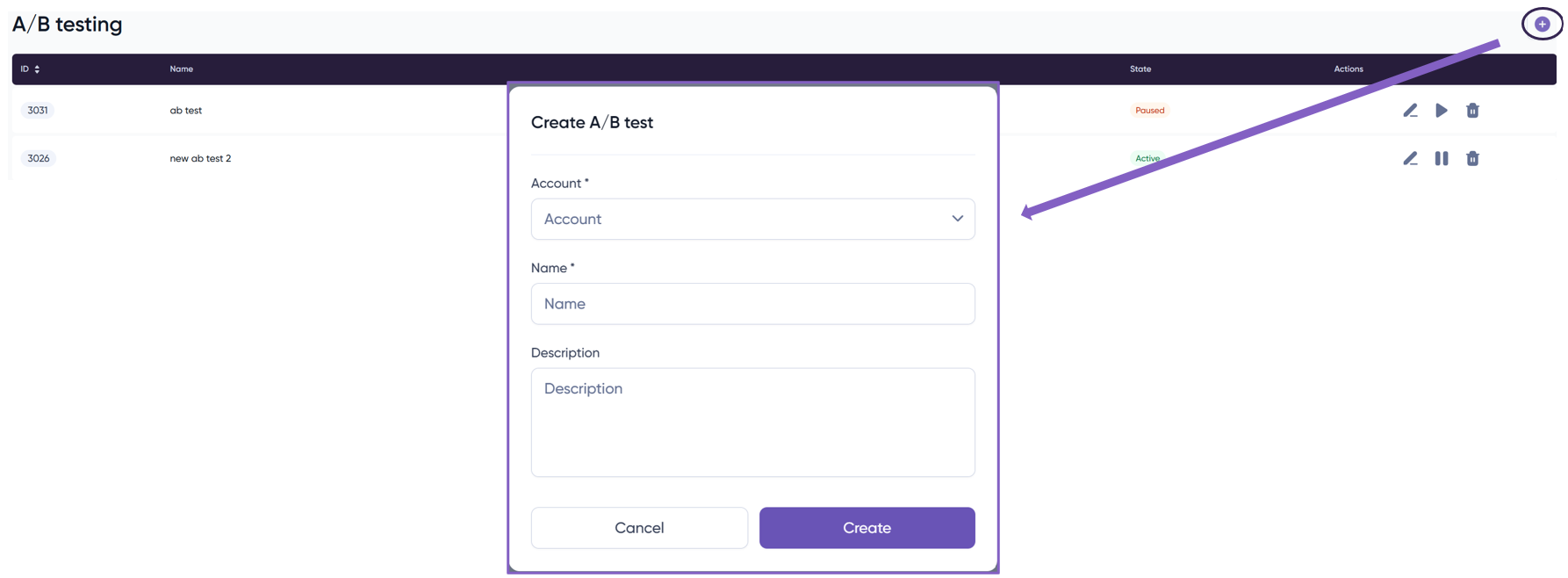
If you want to create a new test you need to introduce a name for the test and then the following information:
Select the campaign and the lines for the test and then the volume of traffic you want for that line. If you want to add another line just ‘Add a new row’.
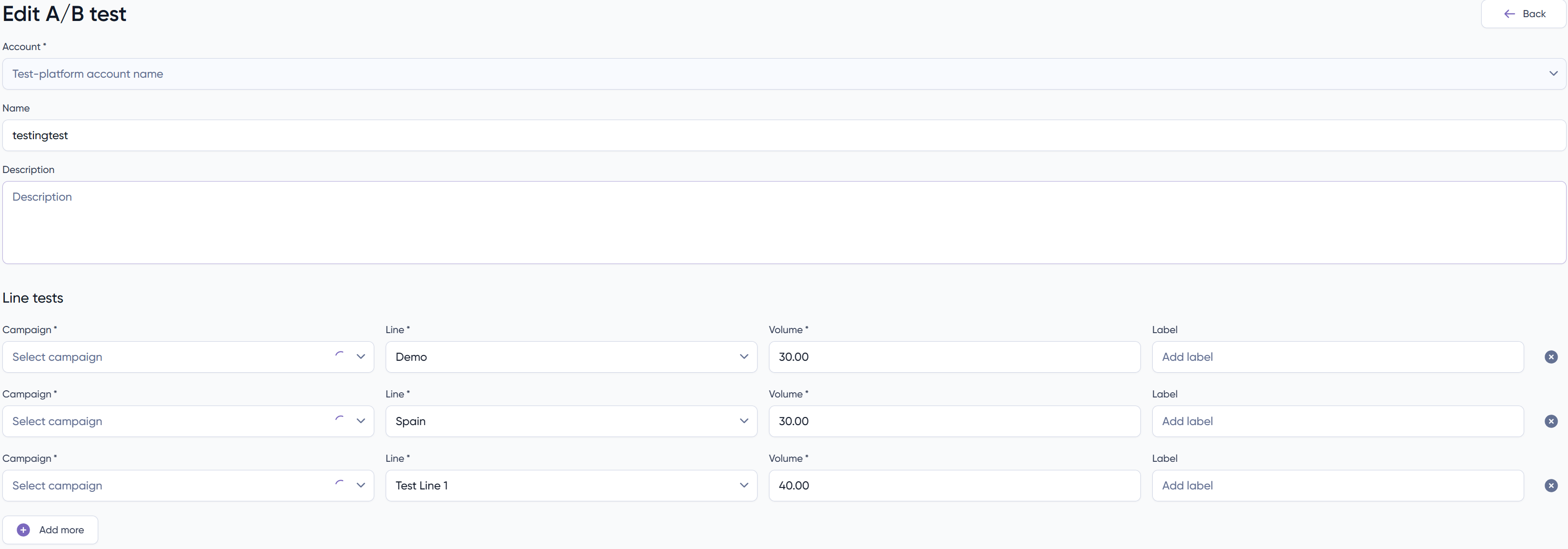
Observation: There’s a restriction to the option volume, it has a precision of 5%. This means that you cannot insert something in the lines of 48% – 53%, instead 45% – 55%.
Then just save and the test will start.


